Framer Strategy / Feature Guide
The Power of the Framer CMS
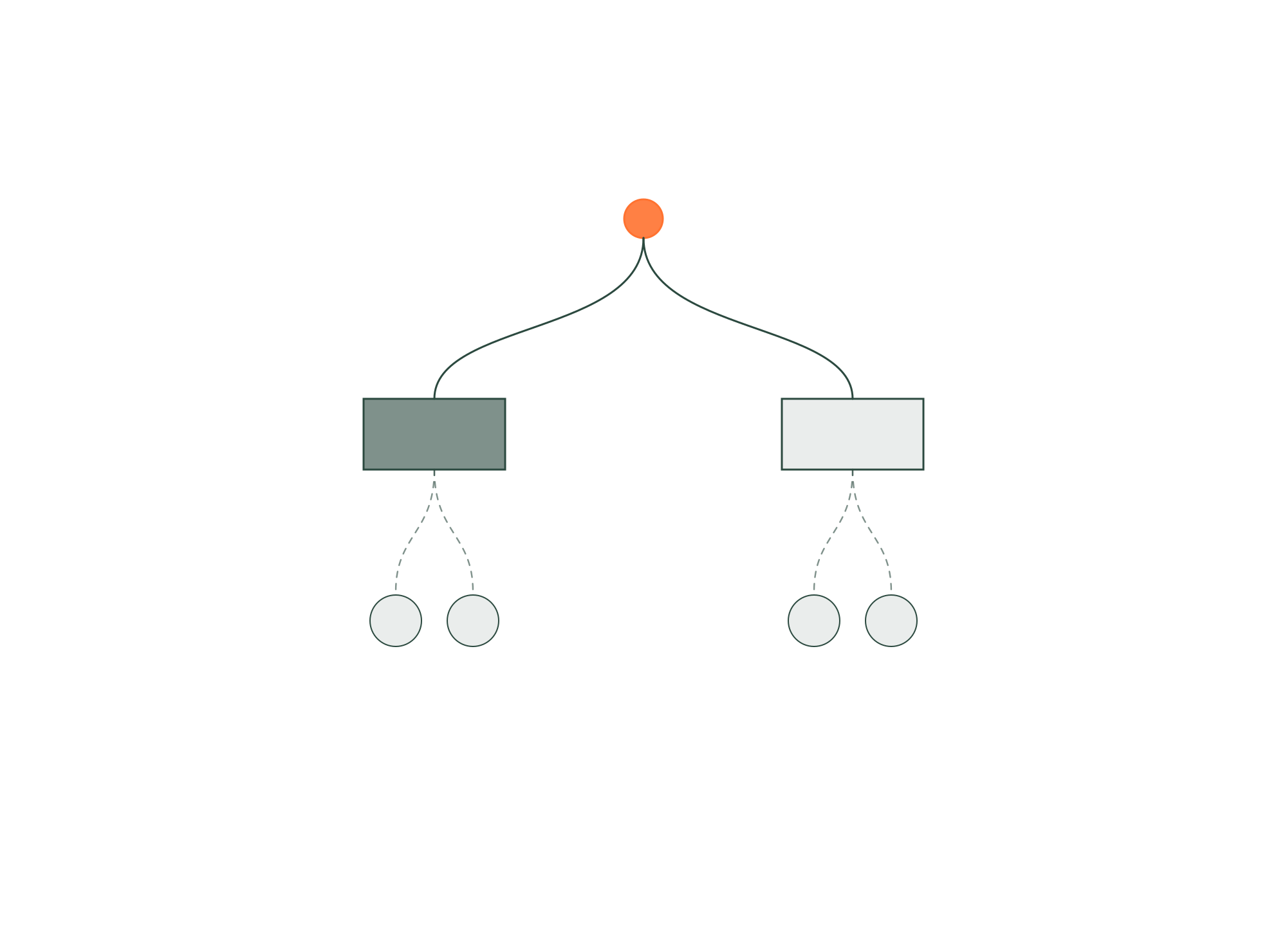

Why high-growth companies rely on Framer CMS as their scalable, dynamic, low-maintenance content infrastructure
Audience
Topics
Modern companies need a CMS that can scale with product velocity, global content expansion, ongoing SEO demands, and the realities of multi-team collaboration.
Legacy CMSs — from WordPress to Sitecore to Webflow CMS — often collapse under complexity, plugin dependencies, and slow operational workflows.
Framer CMS is a fundamentally new approach.
It combines design freedom, structured content, SEO automation, localization, AI-powered authoring, and enterprise-level scale into a single, visual, frictionless system.
This article breaks down exactly why Framer CMS has become the preferred content infrastructure for modern SaaS, AI, and enterprise teams.
1. Framer CMS = Full Power, Zero Hassle
Framer CMS removes the historical tension between design flexibility and content structure.
You get both:
Pixel-perfect layout control
Fully structured, scalable content modeling
There is no other CMS that allows this level of hybrid performance.
2. Design Freedom Meets Structured Content
2.1 Create Any Layout — Then Bind CMS Data to It
Instead of designing inside rigid CMS templates, you:
Design the layout exactly as you want.
Bind fields (text, images, links, dates, categories, components) directly to CMS data.
This creates dynamic pages with:
total creative control
no dev environment
no template limitations
no plugin dependencies
Design teams love the freedom.
Marketing teams love the scalability.
3. A CMS Built to Scale With You
A modern CMS must support fast growth. Framer CMS handles:
hundreds or thousands of entries
multi-collection architectures
relational content
dynamic templates
category/tag taxonomies
multi-language structures
deep filtering
Everything stays stable, fast, and easy to manage.
4. SEO at Scale — Automated, Structured, and Reliable
Framer CMS directly supports high-performance SEO.
4.1 Automated Metadata (Title, Description, Schema)
Use CMS variables like:
{{Title}}{{Description}}{{Author}}{{Category}}
Framer auto-generates:
metadata
schema
social previews
OpenGraph tags
Your SEO scales as your content scales.
4.2 JSON-LD Structured Data
Easily add structured data for:
articles
products
how-tos
events
organizations
software apps
breadcrumbs
This unlocks rich results and improves crawl understanding.
4.3 Pagination for Large Content Libraries
Framer automatically paginates large collections to keep:
pages lightweight
LCP fast
content organized
UX smooth
Essential for blogs, integration directories, resource hubs, and large SaaS libraries.
5. Localization Built Directly Into the CMS
Modern companies operate globally.
Framer CMS is built for global teams.
5.1 Multi-Language Content at Scale
Create multiple language versions of:
collections
templates
navigation
metadata
structured content
Everything stays in sync with clear, structured CMS logic.
5.2 One-Click AI Translation
Framer uses AI to translate:
titles
descriptions
body content
tags
categories
Tone consistency is preserved across every language — saving hours of manual work.
5.3 Region-Specific SEO
Each localized page can include:
localized metadata
localized slugs
hreflang tags
region-specific structured data
International SEO becomes frictionless.
6. A Smarter Way to Structure Content
Framer CMS allows teams to build a content system that matches your business logic.
You can create collections for:
blog posts
case studies
product pages
solutions
industries
job postings
integration libraries
resource hubs
events
partners
You define the structure — not the CMS.
7. Seamless Collaboration Across Teams
Large organizations need editorial workflows that don’t slow down design or engineering.
Framer CMS supports:
on-page editing
instant publishing
comment systems
collaborative previews
CMS-first updates
role-based control
mobile CMS editing
Content teams stay fast and autonomous.
8. Sync With the Tools Your Team Already Uses
Framer CMS connects with the most common content and GTM systems.
Native plugins include:
Notion
Google Sheets
Airtable
HubSpot
E-commerce plugins
CRM / automation tools
AI content tools
You can sync content into Framer or integrate Framer with your operational stack.
9. Built for Performance
Framer CMS ensures fast rendering across all content:
CDN asset caching
lazy-loaded images
responsive images
optimized asset sizes
minimal layout shift
dynamic content hydration
optimized pagination
Better performance → better SEO → more organic traffic.
10. Mobile CMS Editing — Update Content Anywhere
Framer’s CMS is fully mobile-capable, so teams can:
update posts
fix errors
edit metadata
adjust content
publish instantly
Perfect for remote teams, distributed companies, and fast-moving organizations.
11. Framer CMS Isn’t Just a Content Tool — It’s a Growth Platform
What makes Framer CMS truly powerful is how it integrates with the full Framer ecosystem:
every collection drives dynamic pages
every field is usable in any component
every language is organized
every SEO rule scales
every plugin enriches content
every template is reusable
every layout is fully customizable
This transforms your website from a static asset into a living, scalable, modular growth engine.
12. Why High-Growth Companies Choose Framer CMS
12.1 It’s fast to edit and fast to scale
Teams publish at startup speed.
12.2 It’s flexible enough for any content model
No more rigid templates.
12.3 It’s SEO-centric from the ground up
Metadata, schema, pagination, performance — solved.
12.4 It’s global-ready with localization built in
Multi-language at enterprise scale.
12.5 It integrates naturally with tools teams already use
Notion, Sheets, Airtable, CRMs, APIs.
12.6 It makes structure and design feel simple
Design and CMS are unified — not siloed.
12.7 It removes technical debt forever
No plugins, no theme breaks, no bloat.
13. What to Look for in a Framer CMS Architect
Must-have capabilities
✔ content modeling
✔ relational CMS design
✔ SEO architecture
✔ template engineering
✔ localization systems
✔ component-based structures
✔ scale-friendly UX
✔ performance optimization
Red flags
✘ template-only mindset
✘ messy CMS fields
✘ no taxonomy logic
✘ no structured metadata
✘ poor performance discipline
✘ no localization strategy
CMS success = architecture + clarity.
14. Conclusion: Framer CMS Is the First Modern CMS Designed for High-Growth Teams
Framer CMS leads because it brings together:
full design control
structured modeling
scalable templates
automated SEO
global localization
AI-powered translation
dynamic content
plugin ecosystem
high performance
instant publishing
mobile editing
unified workflows
It allows SaaS, AI, and enterprise companies to build content systems that scale effortlessly — without sacrificing design freedom or technical precision.
Framer CMS isn’t just a content engine.
It’s the backbone of a modern, modular, high-velocity digital organization.