UX & Conversion Design / How-To Guide
11 tips on how you can build a CMS-first website your team can update easily

Empower marketing to ship updates without developers
Audience
Topics
11 tips on how you can build a CMS-first website your team can update easily
A CMS-first website gives marketing teams real control over their own site. Not "submit a ticket and wait two sprints" control. The kind where the product marketer publishes a new use case page on Tuesday morning, and nobody in engineering hears about it.
Getting there isn't about picking a platform with a CMS. Every platform has one. It's about deciding, from the start, that the website is a set of content types and templates rather than a set of hand-built pages. That decision shapes the structure, the design and the editing experience.
This guide focuses on the editor's side: how to build a Framer site that a non-technical team can update confidently, without breaking layouts or waiting on a developer.
1. Start with an inventory of what changes
Before you design anything, list the content your team updates regularly: blog posts, customer stories, job listings, integrations, product updates, events, team members, legal pages. Note how often each changes and who changes it.
Anything that changes more than a few times a year belongs in the CMS. Anything that has more than 3 instances almost certainly does too.
2. Plan your structure: collections, fields, relationships
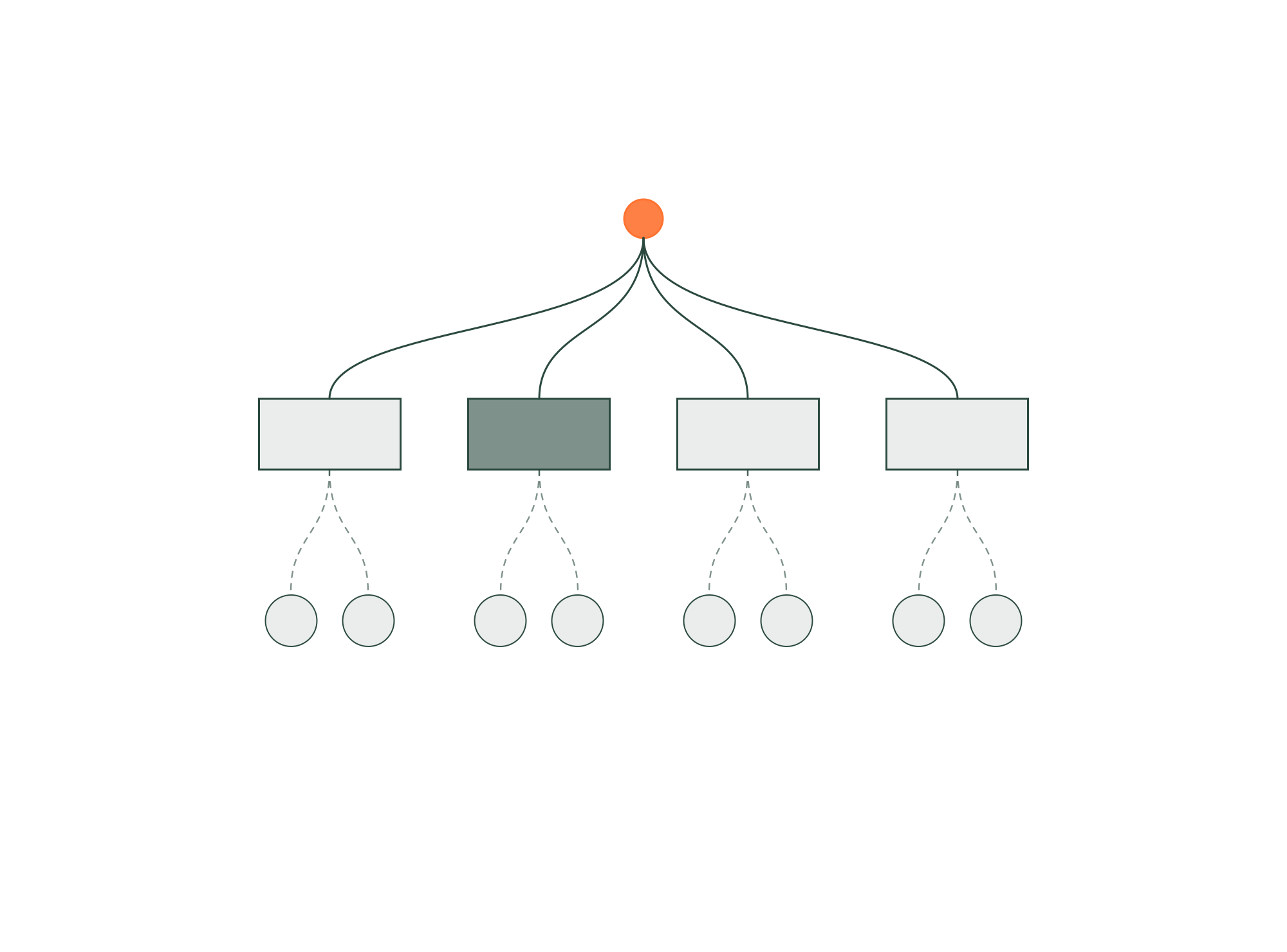
Each content type becomes a collection. Each collection gets the fields it needs, and nothing more. Then connect them. A customer story might reference an industry, a product and an integration. A blog post references an author and a category.
Relationships are what let one update ripple through the site. Change an author's title once, and every post shows the new title. Add a new integration, and it appears on the integrations page, the relevant product page and the customer stories that reference it.
3. Name fields for the person editing them
Field names are the interface your team uses every day. "Hero headline (max 8 words)" is better than "Title 2". "Customer logo, SVG, dark version" is better than "Image". Add short help text wherever a field could be misunderstood.
Clear fields are the cheapest documentation you will ever write.
4. Use the right field type for each job
Use option fields for things with a fixed set of values, like category or status. Use toggles for yes/no decisions, like "show on homepage". Use rich text only where people genuinely need formatting. Every free-text field is a place where inconsistency can creep in.
5. Design for flexibility, within limits
Use components that adapt to content variations. A customer story template should look right with a long quote or a short one, with metrics or without, with a video or just an image. Build in conditional visibility so empty fields hide their section rather than leaving a gap.
But don't make everything optional. A template with 30 toggles is as confusing as a blank page. Decide what every entry must have, and make the rest genuinely optional.
6. Build reusable modules for one-off pages
Not every page belongs in a collection. Campaign landing pages, event pages and launch pages are usually one-offs. For those, give your team a library of reusable modules: hero, feature grid, logos, testimonial, FAQ, CTA. They assemble the page from approved blocks instead of designing from scratch.
This keeps the site consistent even as the number of pages grows, and it means marketing can ship without a designer for most routine work.
7. Keep simple controls simple
Editing should feel like filling in a form, not operating a design tool. The controls your team touches most often, like text, images and links, should be obvious and hard to break. Layout, spacing and typography should be locked in the component, not exposed as settings.
Framer's on-page editing helps here: editors can change content in context and see the result immediately, without opening the full design canvas.
8. Build SEO fields into every template
Every collection that produces pages should include meta title, meta description and social image fields, with sensible defaults pulled from the main content. Add a field for a short summary that can double as an answer-ready intro for search and AI engines.
When SEO lives in the template, it happens on every page by default instead of depending on someone remembering.
9. Define a publishing workflow
Decide who can draft, who can review and who can publish. For a small team, that might be one person doing all three. For a larger one, it might mean drafts by product marketing, review by the content lead and publishing by the website owner.
Write it down. A clear workflow prevents the two most common problems: content stuck in draft forever, and content published before anyone checked it.
10. Train the team on real tasks
Handover shouldn't be a walkthrough of every feature. Run a session where each person completes the 3 or 4 tasks they'll actually do: publish a blog post, add a customer story, update a job listing, swap a homepage banner. Record it. Then leave a one-page guide inside the project.
The first week after launch is when habits form. If editing feels easy then, it stays easy.
11. Review what the team actually does
After a month, look at how the CMS is being used. Which fields are always empty? Which pages are still being built by hand? Where is someone asking a designer for help? Those are signals that the structure doesn't match real work yet. Adjust the collections and templates to fit the team, not the other way around.
The short version
A CMS-first approach makes your site scalable and maintainable because the structure does the work, not the people. Inventory what changes, model it as collections with clear fields and relationships, build templates and modules that handle real content, and train the team on the tasks they'll actually do. The result is a website marketing can ship on their own, every week.
Allsite builds brands and Framer websites for venture-backed tech companies — designed to perform, and built for the teams that have to run them.